Document recognition
From a photo of the invoice, warranty card or box label, it extracts brand, model and date.
Your AI-Powered Digital Home Vault
Take a photo of the invoice and let the system do the rest: it recognises the product, extracts the brand and model, calculates the warranty end date and reminds you when service is due.

The problem
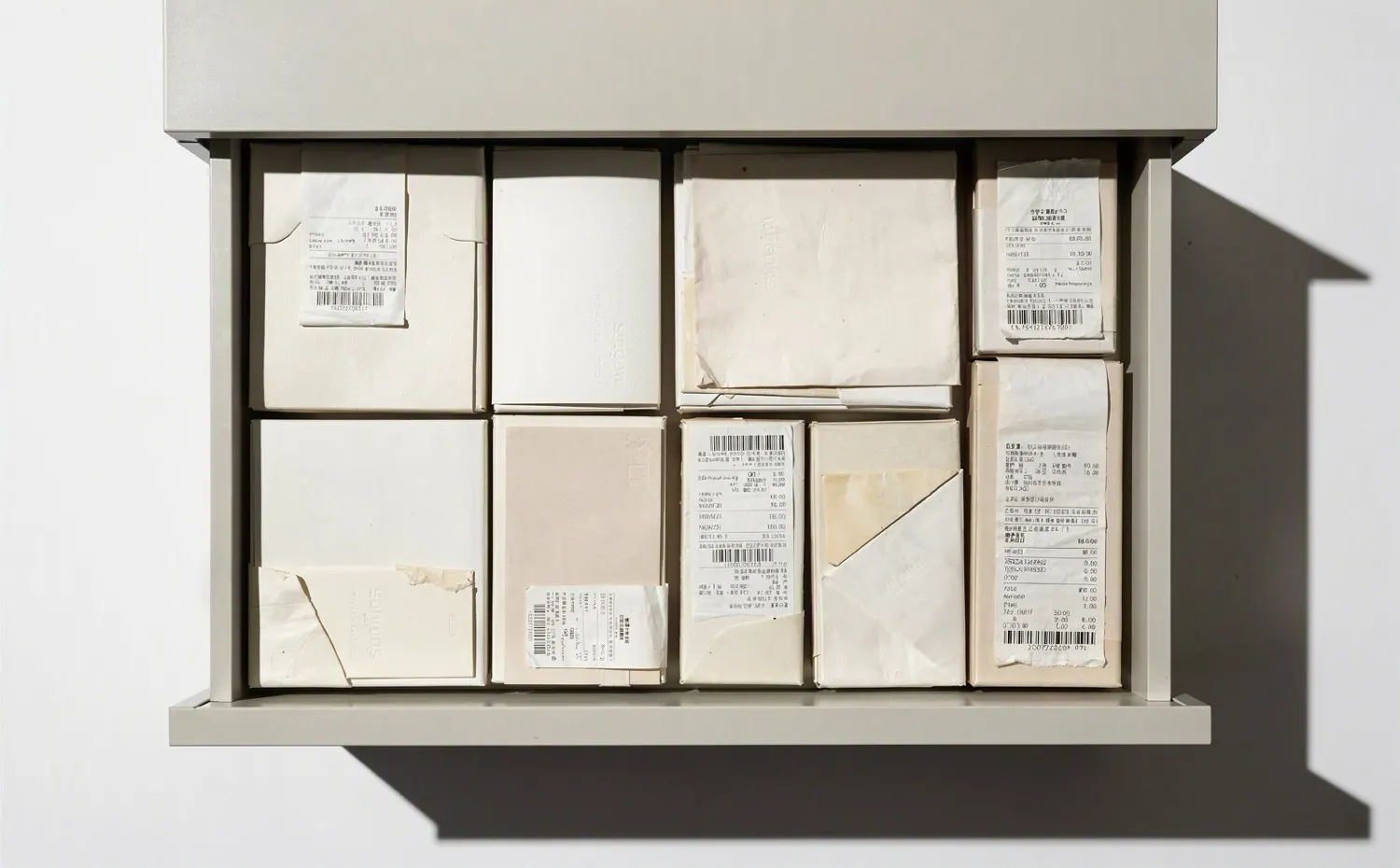
When the fridge breaks, the first question is simple: where is the invoice? In a drawer, in a box, maybe in email. Even if you find it, the warranty may be unclear. So is the document you need before calling service.
Many people miss free repairs they are entitled to. The document is not really lost. You just cannot find it when you need it.
What it does
From a photo of the invoice, warranty card or box label, it extracts brand, model and date.
It links each document to the right product and category. No folders needed.
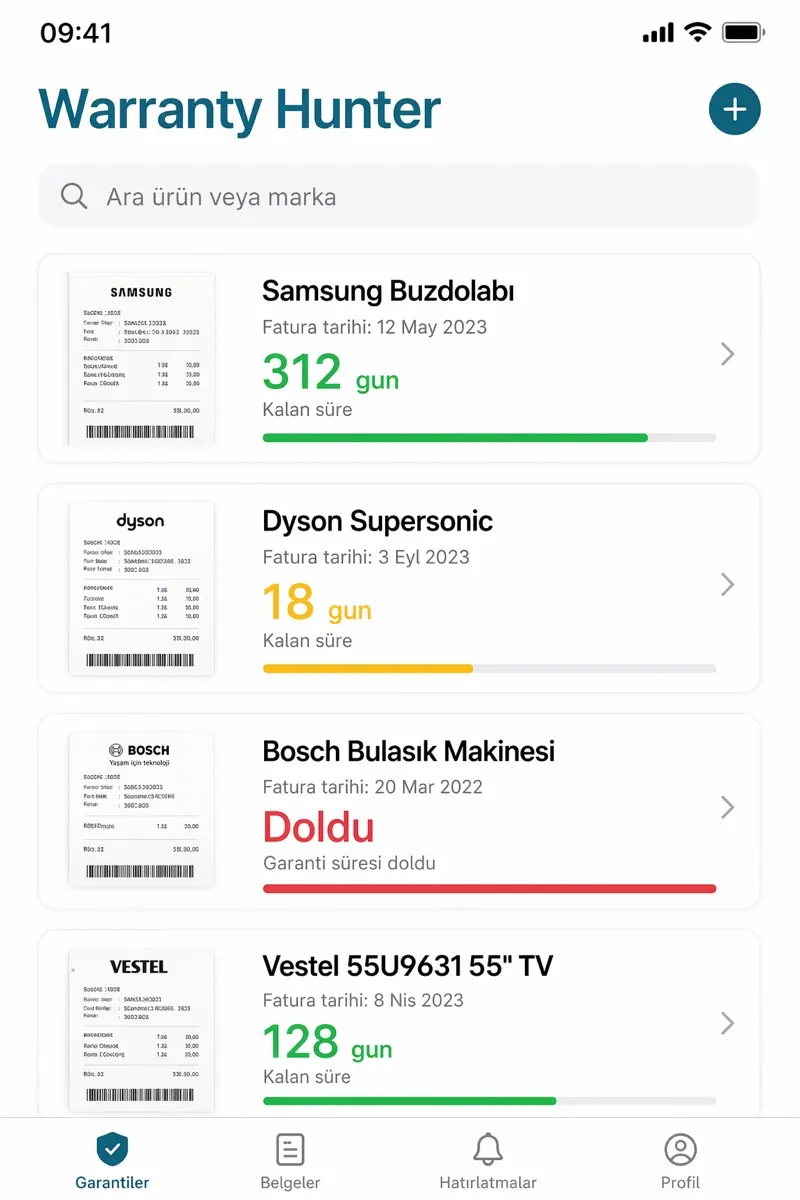
See how many days remain. You get a warning as the deadline nears.
You get a reminder when scheduled maintenance is due.
It puts every service document into one file.
It reads the user manual and answers "how do I change the filter?" with a source.
Who is it for
Anyone who does not know if the warranty has expired when something breaks and wastes time looking for the box.
Appliances, electronics, furniture. Each has a different warranty period, and no one tracks them.
Users who want to ask directly and get an answer instead of reading the manual.
Sample run · no real data
How it works
Photograph the receipt or product. You do not need to enter anything else.
The system recognises the product and calculates its warranty under the brand's terms.
See remaining cover, maintenance dates and service history on one card.
When something breaks, the documents are ready. Send support a single file.
Technology
The client ships to iOS and Android from one Flutter codebase. Document recognition and field extraction run server-side, while manual questions are answered with document-based search (RAG). Answers are not made up. They are read from the right page of the manual.
Gallery
FAQ
You take a photo. The system extracts the text, identifies the product, and finds when you bought it. If it reads something wrong, you can correct it manually.
You can also add the product manually. Enter the model and purchase date, and the warranty counter starts there.
Invoices stay linked to your account and are never sold to third parties. If you delete the account, the documents are deleted too.
It reads the product manual, answers from it, and shows the source page. It does not generate answers without a source.
Basic use is free. The paid tier and its limits are listed in the app.
Contact
Tell us in one sentence. We will explain what you need and how long it will take.